...
|  |
|
|
|---|---|---|---|
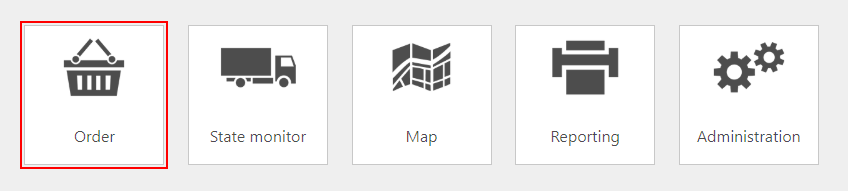
| By clicking on the habbl logo in the upper left corner you can return to the homepage at any time. | The menu item "Notification" display message information to a certain user or a group of users. Notifications can be configured in the workflow editor for any status. Messages from a chat with drivers appear in this context too. | The dropdown menu " Switch Portal" contains the same elements that you also find in the tile overview. Since the menu bar is persistent, you can jump to the different applications at any time without returning to the homepage. Following tabs are included by default for habbl contractors:
| You can use this menu item to log off from the portal or switch the language settings. |



|
|
|
|
|
|---|---|---|---|---|
This tile takes you to the following applications:
| This tile takes you to the state monitor, where you can follow ETA (Estimated Time of Arrival) times during your orders. | In the map, you can use the transmitted GPS data to see the location and, if necessary, the lane (depending on the user's authorization profile) of your vehicles. | In this section you can generate reports. Please note that only reports explicitly ordered by you are currently available. | You can use this tile to access the following functions:
Über diese Kachel gelangen Sie zu folgenden Funktionalitäten: |