...
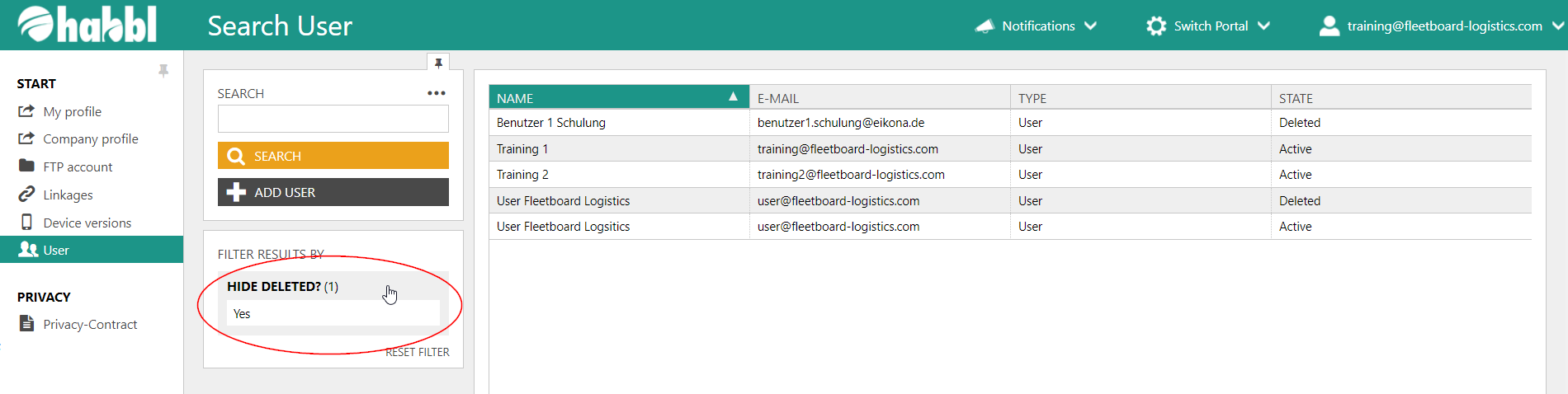
The deleted users are automatically hidden by a filter in the habbl portal. To show these again you only have to remove this filter. You can find the filter within the user administration directly below the search bar.
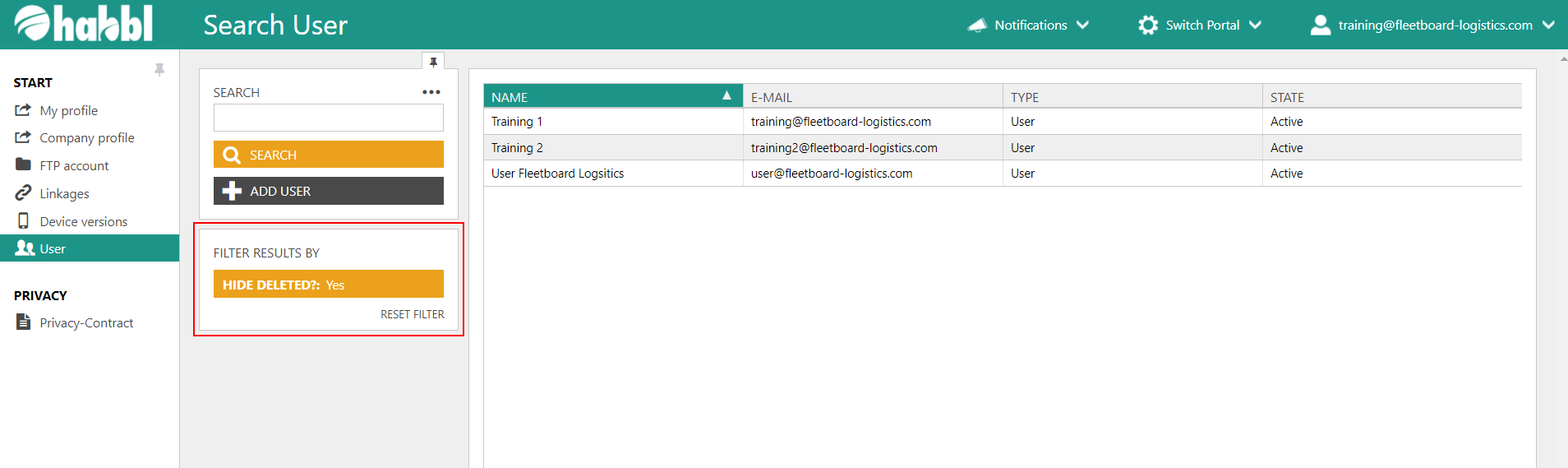
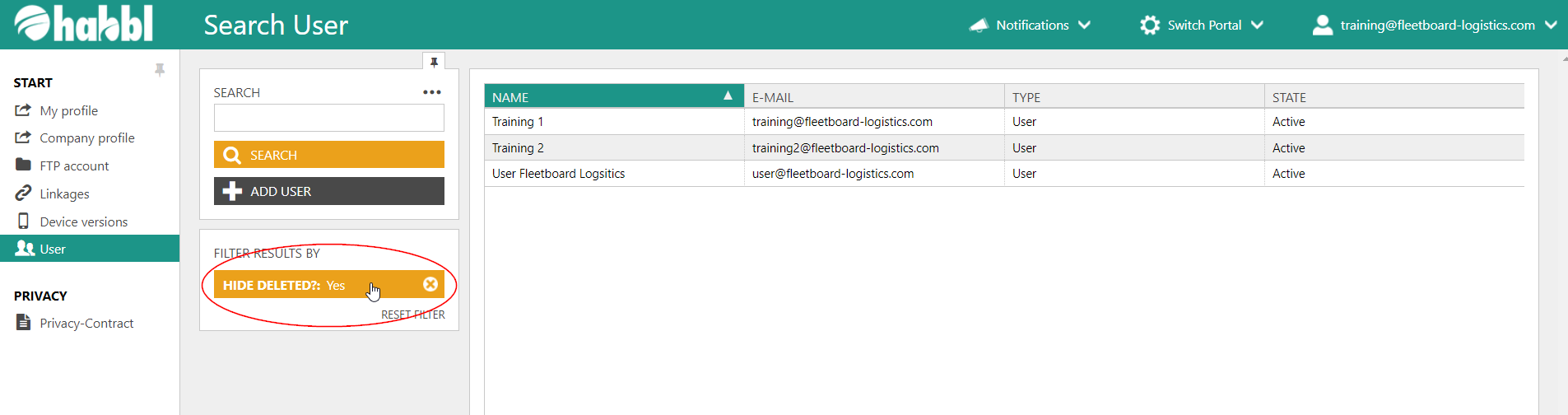
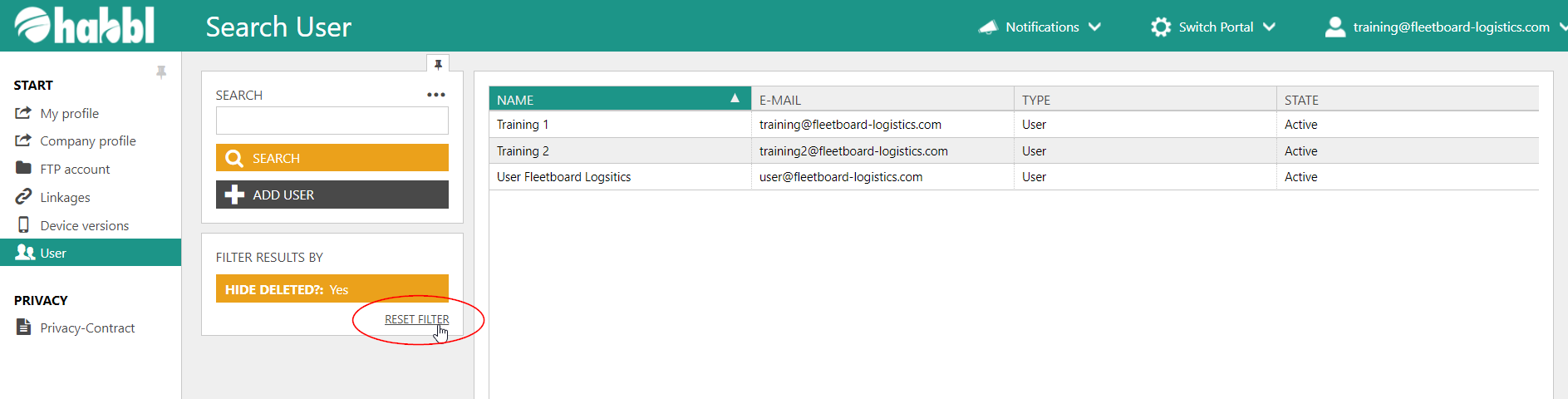
- To show deleted users, you must remove the automatically set filter. You can do this by either clicking on the orange filter (screenshot above) or the text "RESET FILTER" (screenshot below).
- The deleted users are then displayed in the list on the right again and have the status "Deleted" while your still active users have the status "Active".
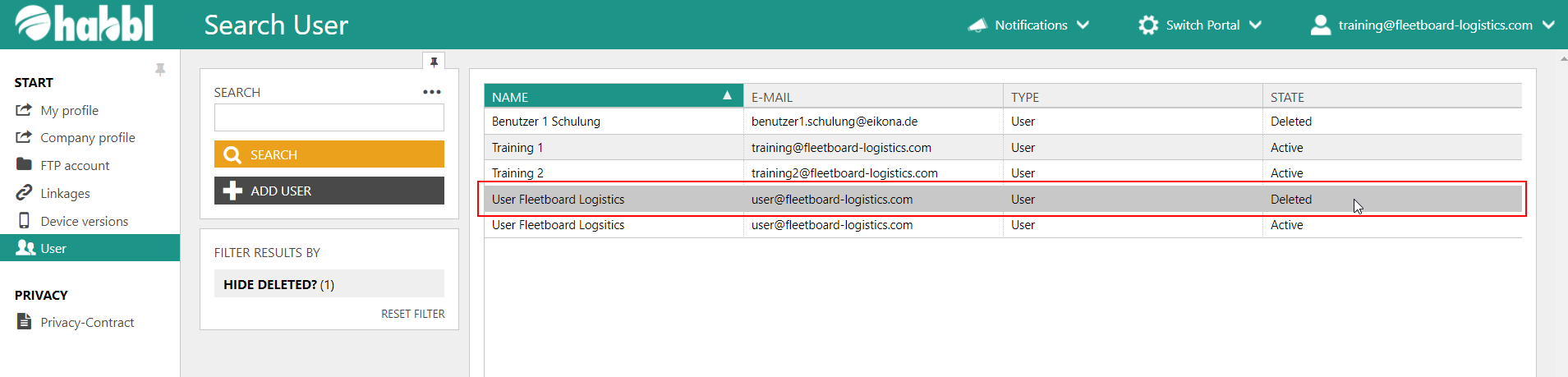
- You can reactivate the filter by clicking on the field "HIDE DELETED?".