| Status | ||||
|---|---|---|---|---|
|
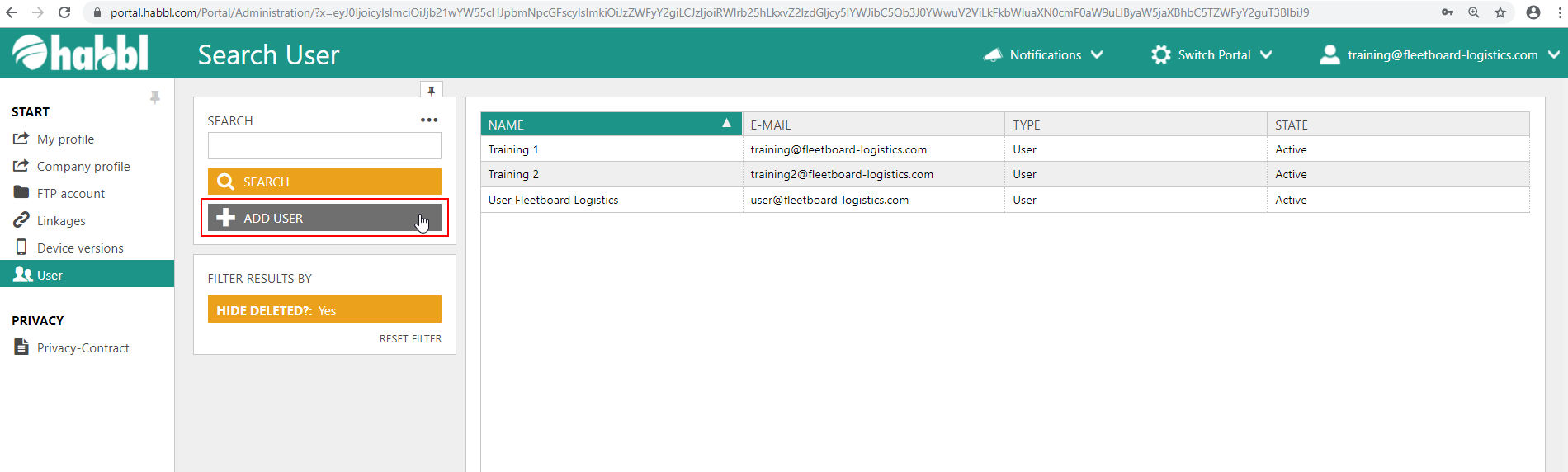
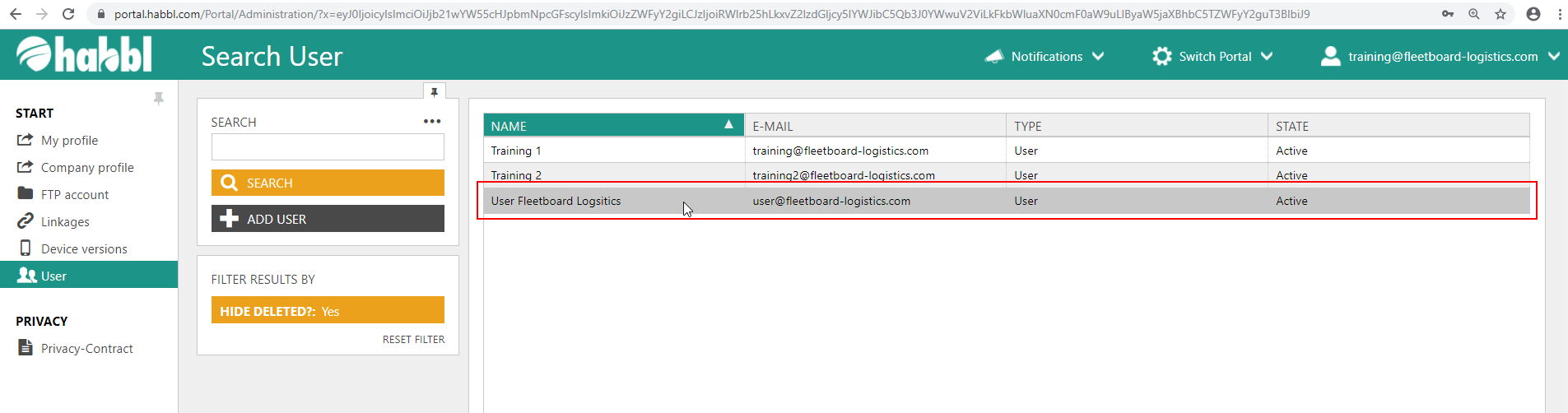
- Click on the "ADD USER" button below the search bar in the user administration.
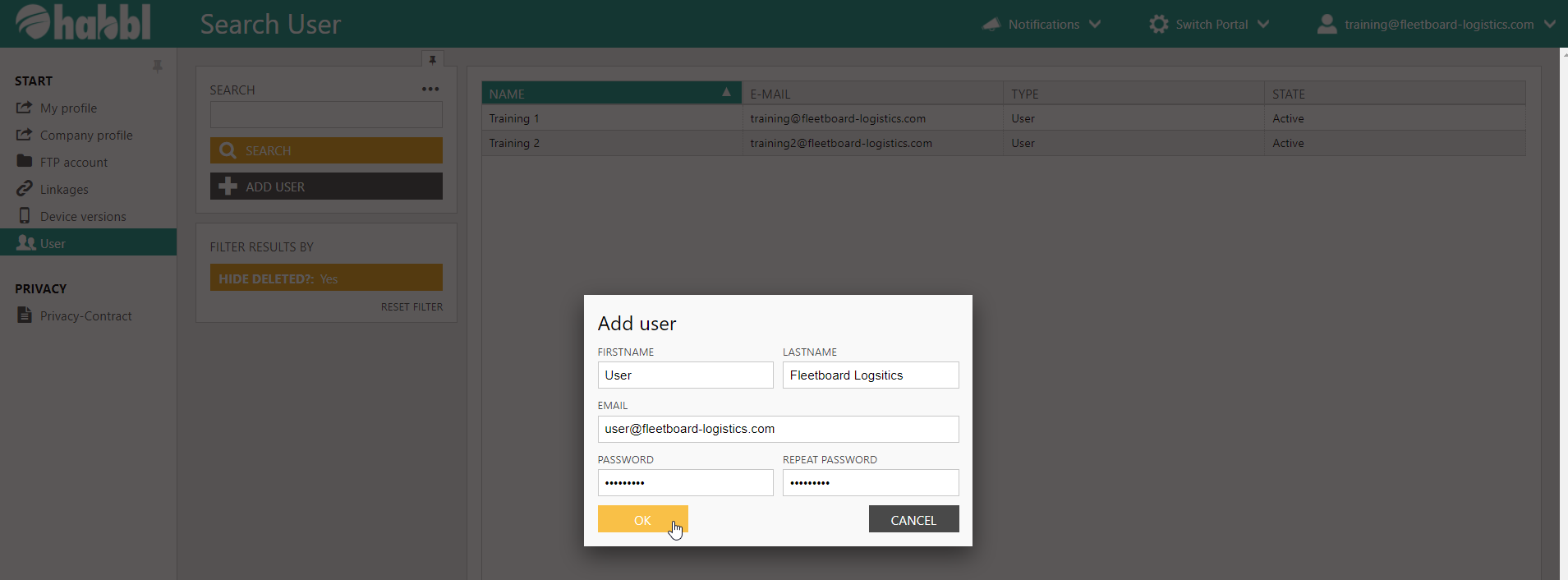
- Enter a firstname, lastname and email
- Define an individual password and repeat the password for confirmation
| Tipp | ||
|---|---|---|
| ||
If the user has been created successfully, you get a positiv notification in the portal an you will find an additional row in the user list table. |