To accept a request you have to open the habblAPP first.
The following screenshots show you the individual steps.
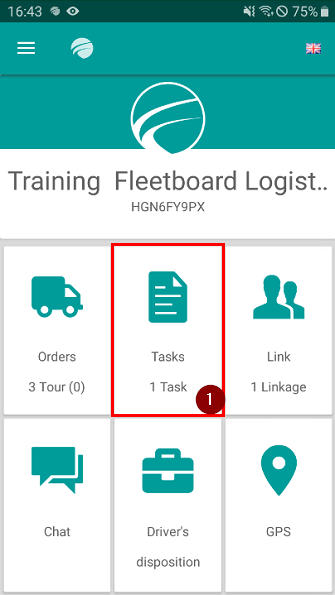
- All open requests or tours can be found under tasks. Click on Tasks
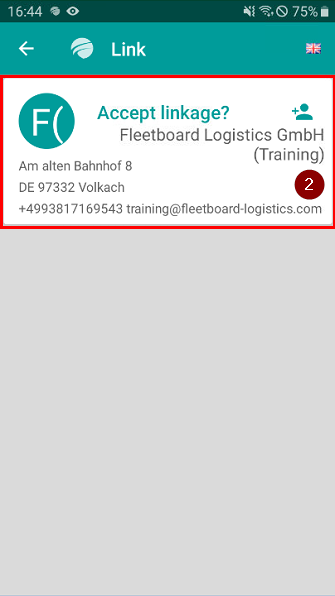
2. Click on the card to accept the open request
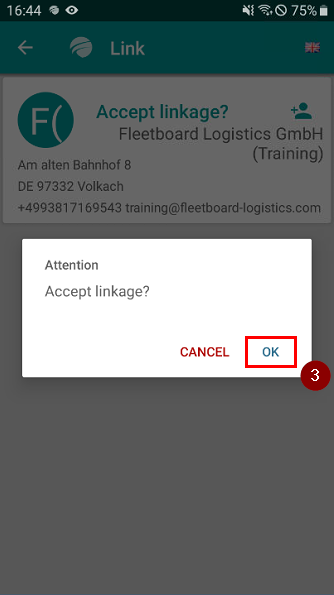
3. Click OK to accept the request
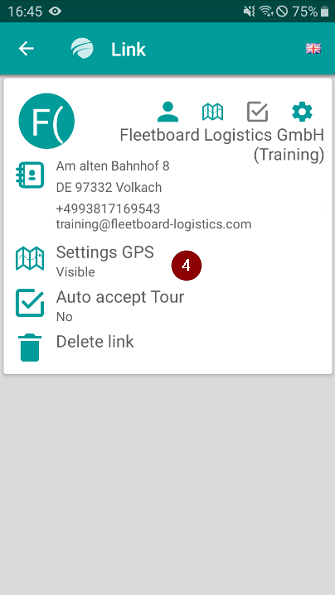
4. Here you can set settings (GPS visible / Auto accept Tour / Delete link)
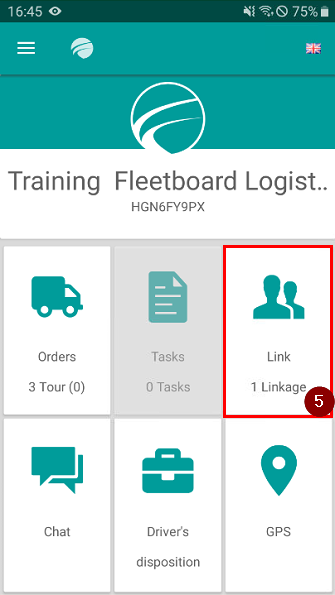
5. Now you are connected to the company
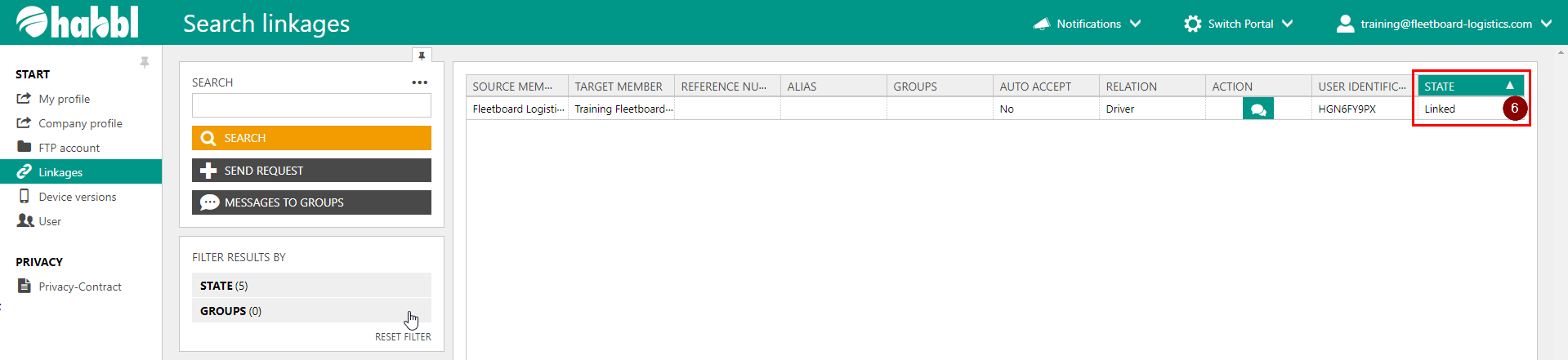
6. This is what it looks like in the habbl Portal if the request was accepted