
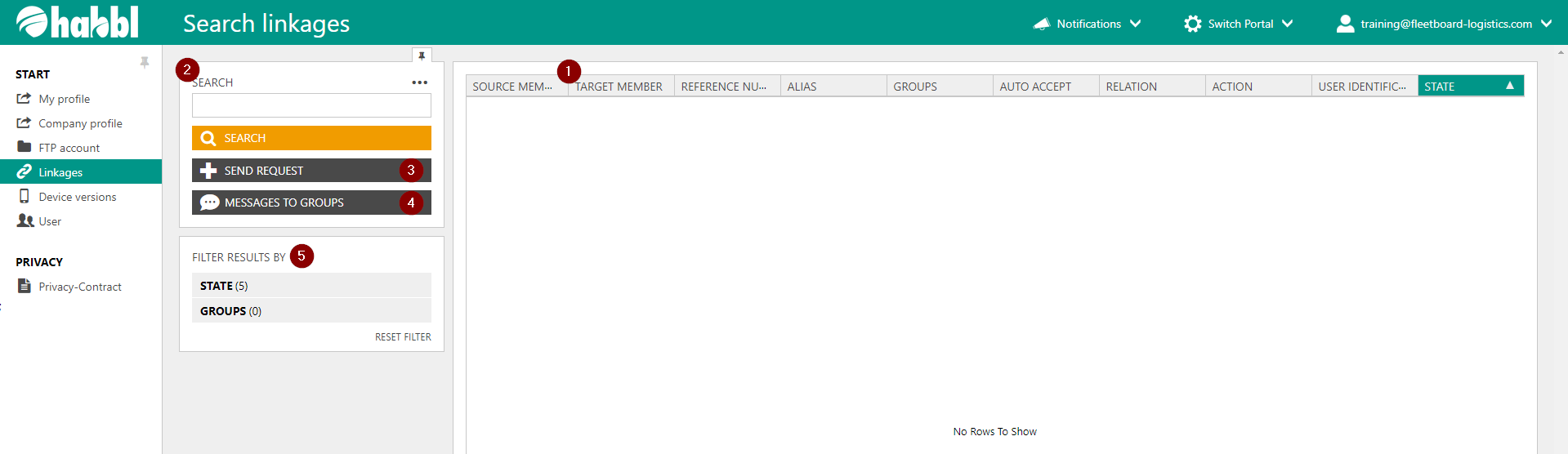
- If you select the menu item 'Linkages' within the administration area, you will have a list of all habblApp users and linked companies in your company account. This list contains information about the connection and linkage settings. If you click on one of the lines in the list view, you get to the detail view of an individual user.
- You can search for specific users in this list view via the search bar. Simply enter the name of the user you are looking for here.
- You can send a request to a driver or other companies via the button.
- If you have defined a group, you can send a message to the driver of this group here.
- Here you can filter the results by different states or groups.