ARTICLE
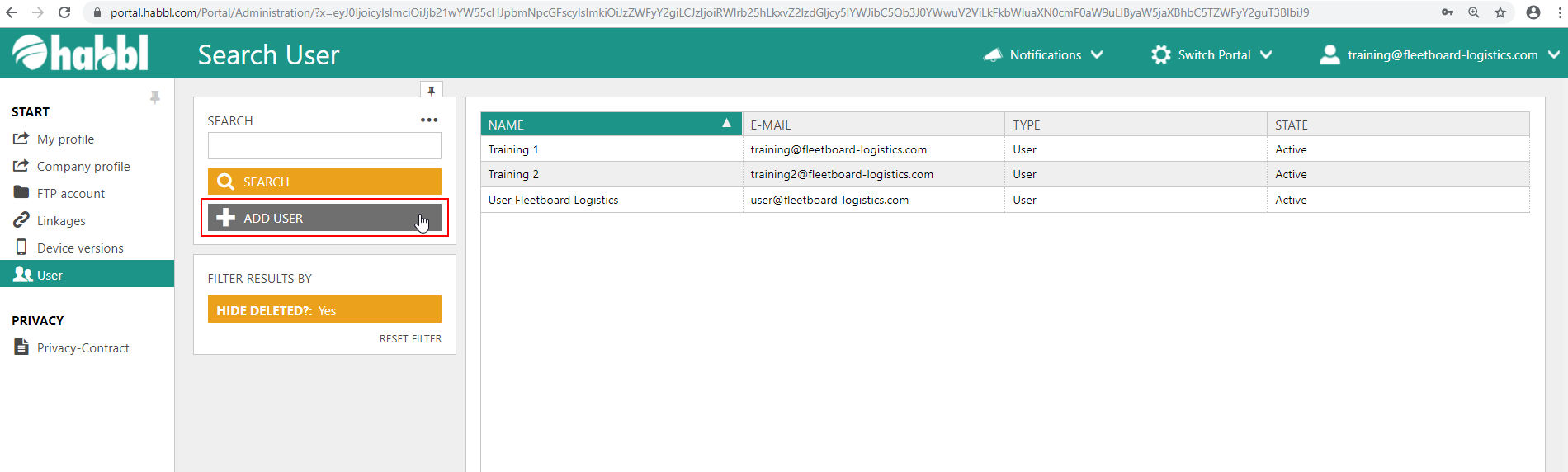
- Click on the "ADD USER" button below the search bar in the user administration.
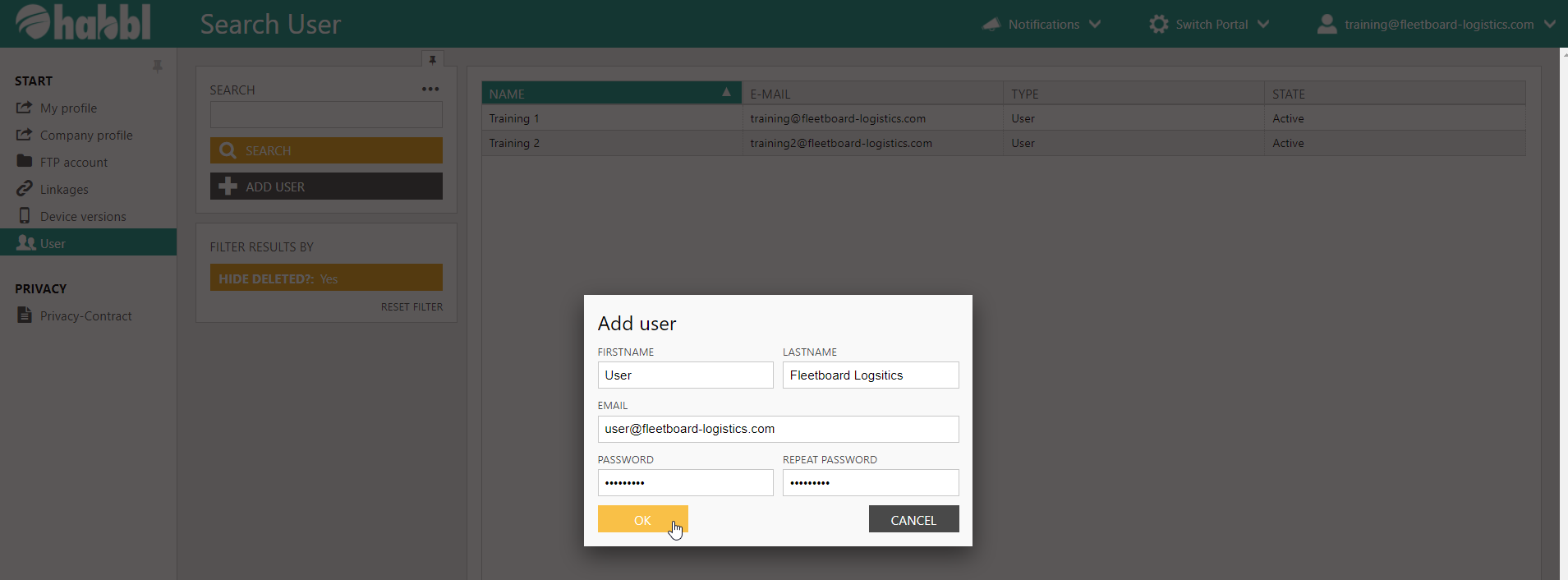
- Enter a firstname, lastname and email
- Define an individual password and repeat the password for confirmation
User successfully created
If the user has been created successfully, you get a positive notification in the portal an you will find an additional row in the user list table. Please note that you have to define roles for each user you create. You can read how to do this in the next article.