ARTICLE
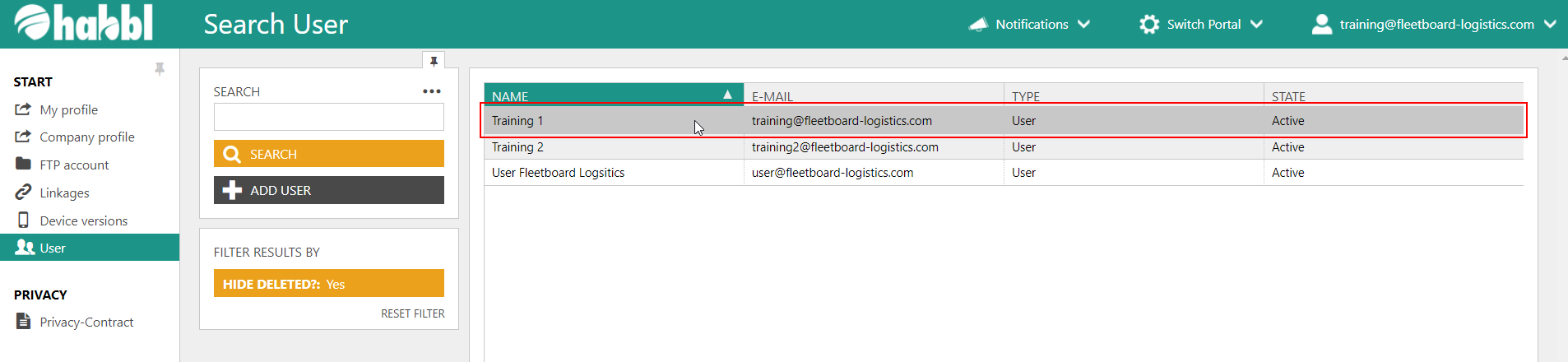
- Select an existing user from the user list. In this example we choose the User Training 1.
- Click on the user to get to the detailed view.
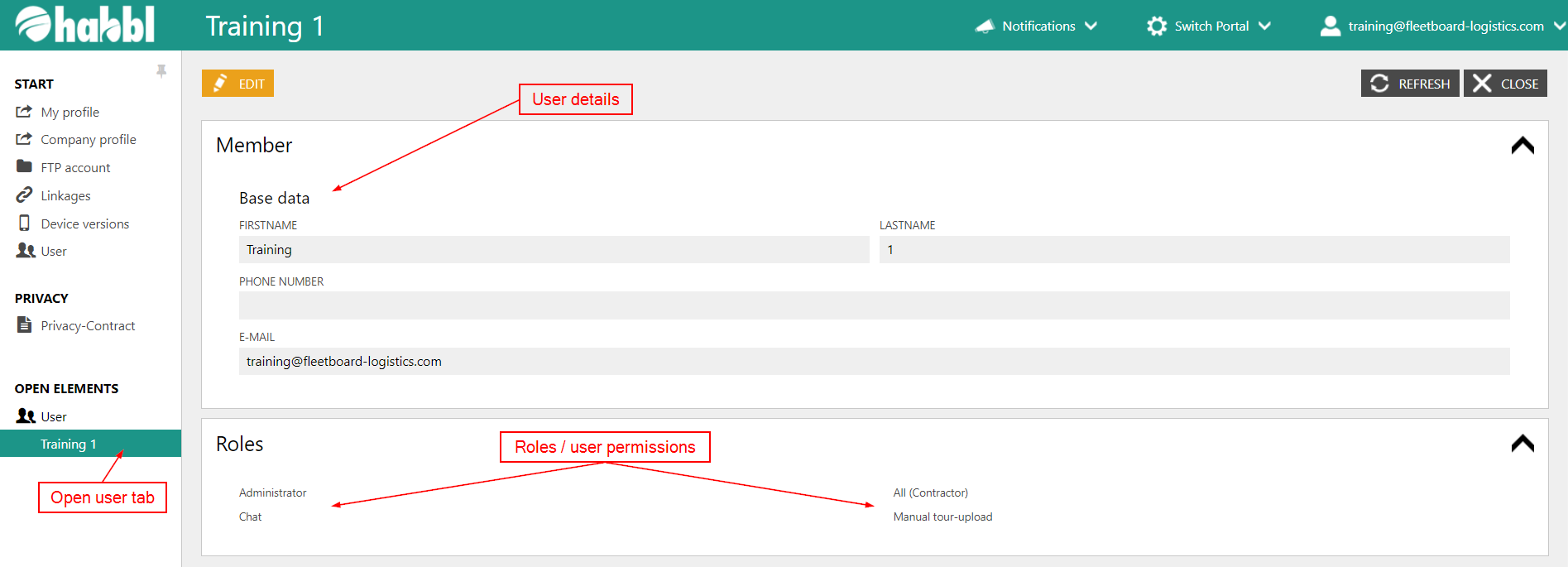
User tab, detail information an roles
- For every user that use select in the list a new user tab is been opend. This way you can switch between different users which you are inspecting at the moment. You can find the user tabs in the left corner at the bottom of the screenshot above.
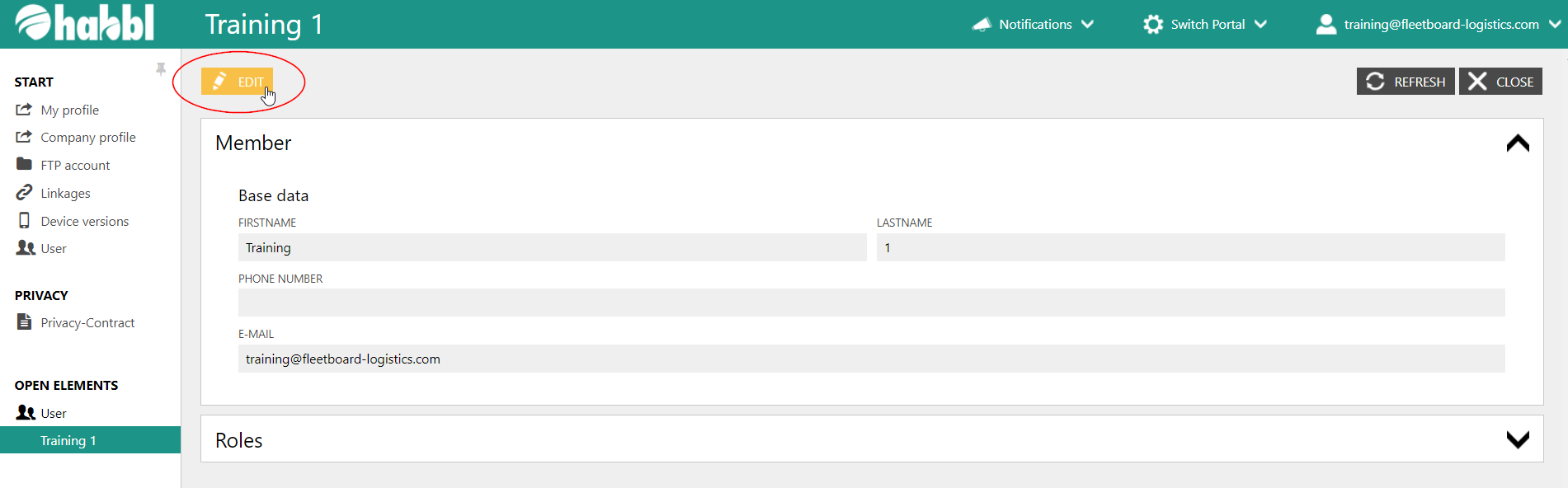
- By clicking on the "EDIT" button you can edit user details an roles. We will have a deeper look at editing roles in the following articles.
- Remember: You can not change the roles of your own user!
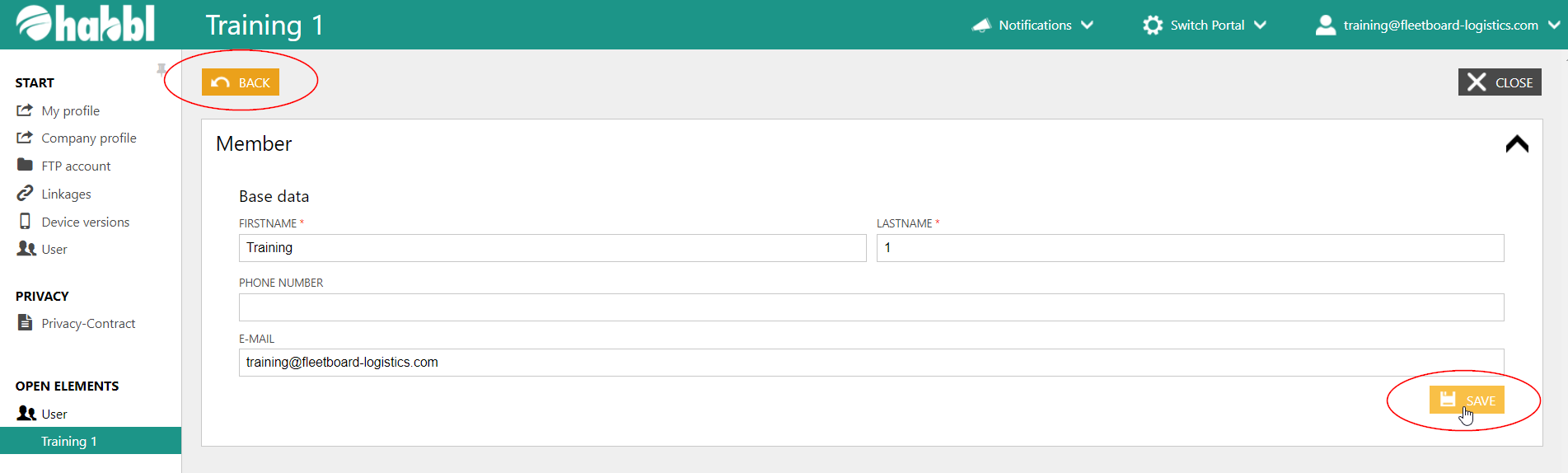
Save changes
Do not forget to save the changes!