ARTICLE
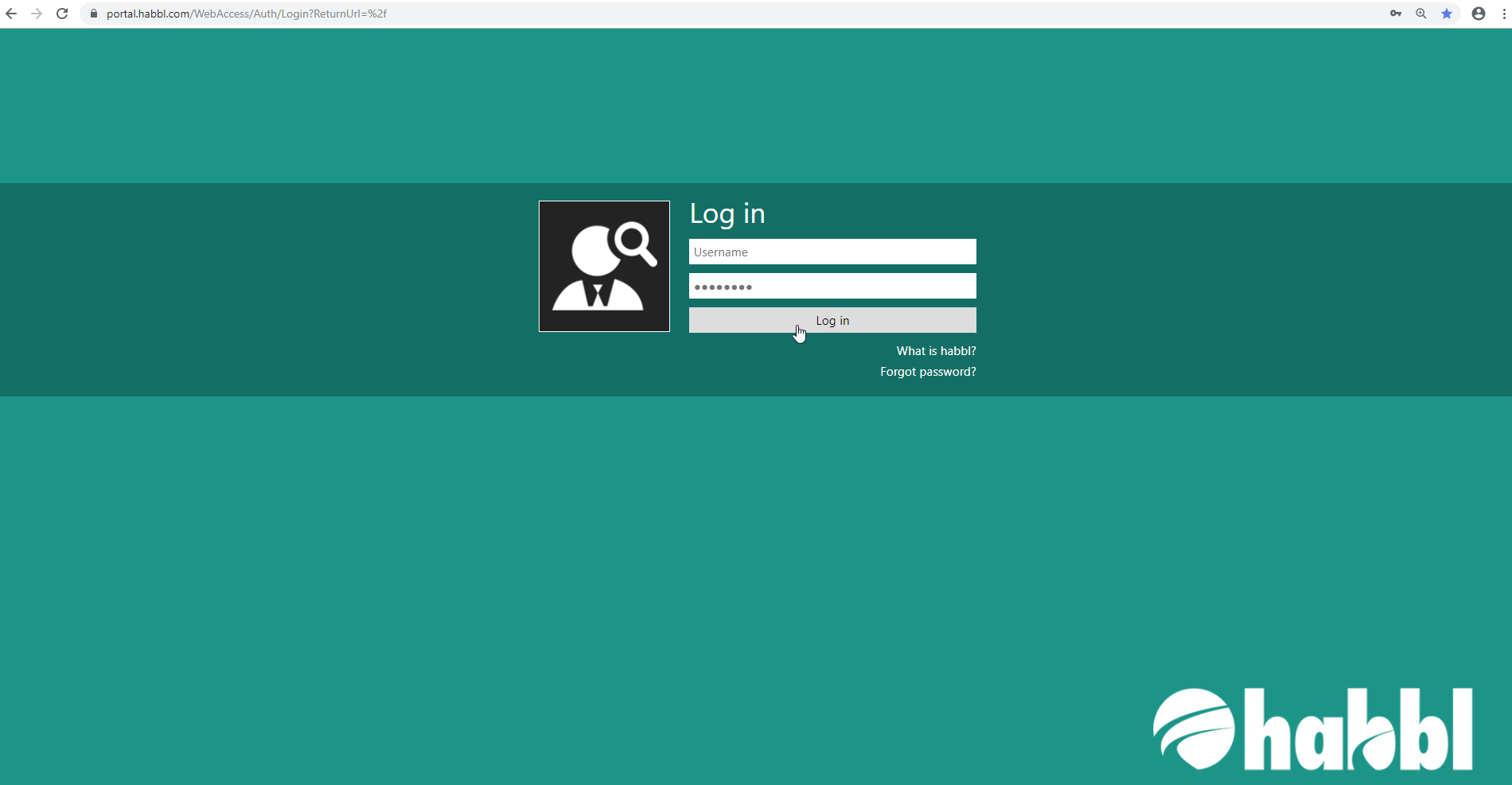
To login to your habblPORTAL, please open your internet browser and go to the page https://portal.habbl.com. We recommend you to use the Google Chrome Webbrowser.
Here you will find a login mask where you can log in with your personal user name and password. Enter your personal login data here as shown in the following screenshot.
PROCEDURE
- Please enter your user name in the first input field.
- Please enter your password in the second input field.
You will receive your password either from your habbl contact person of Fleetboard Logistics Sales / Support Team or the system administrator responsible for habbl in your company.
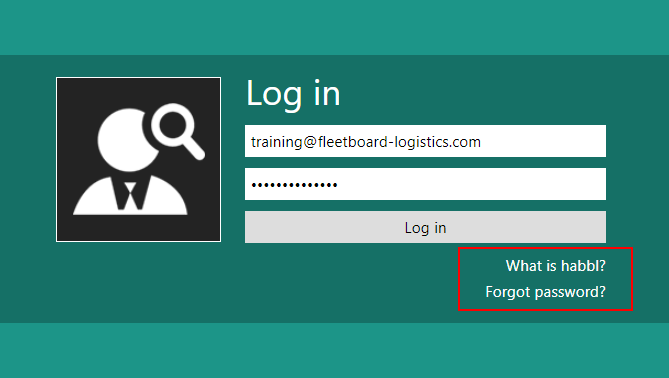
- The link "What is habbl?" takes you to the official habbl website where you can inform yourself about the product and its features. In addition to product information you will also find the responsible contacts on this page, e. g. for sales issues.
- If you have forgotten your password, you can request a new one by clicking on "Forgot password?" Simply click on the link and follow the instructions.
Link to official habbl Website: https://www.habbl.de/ or https://www.habbl.com/