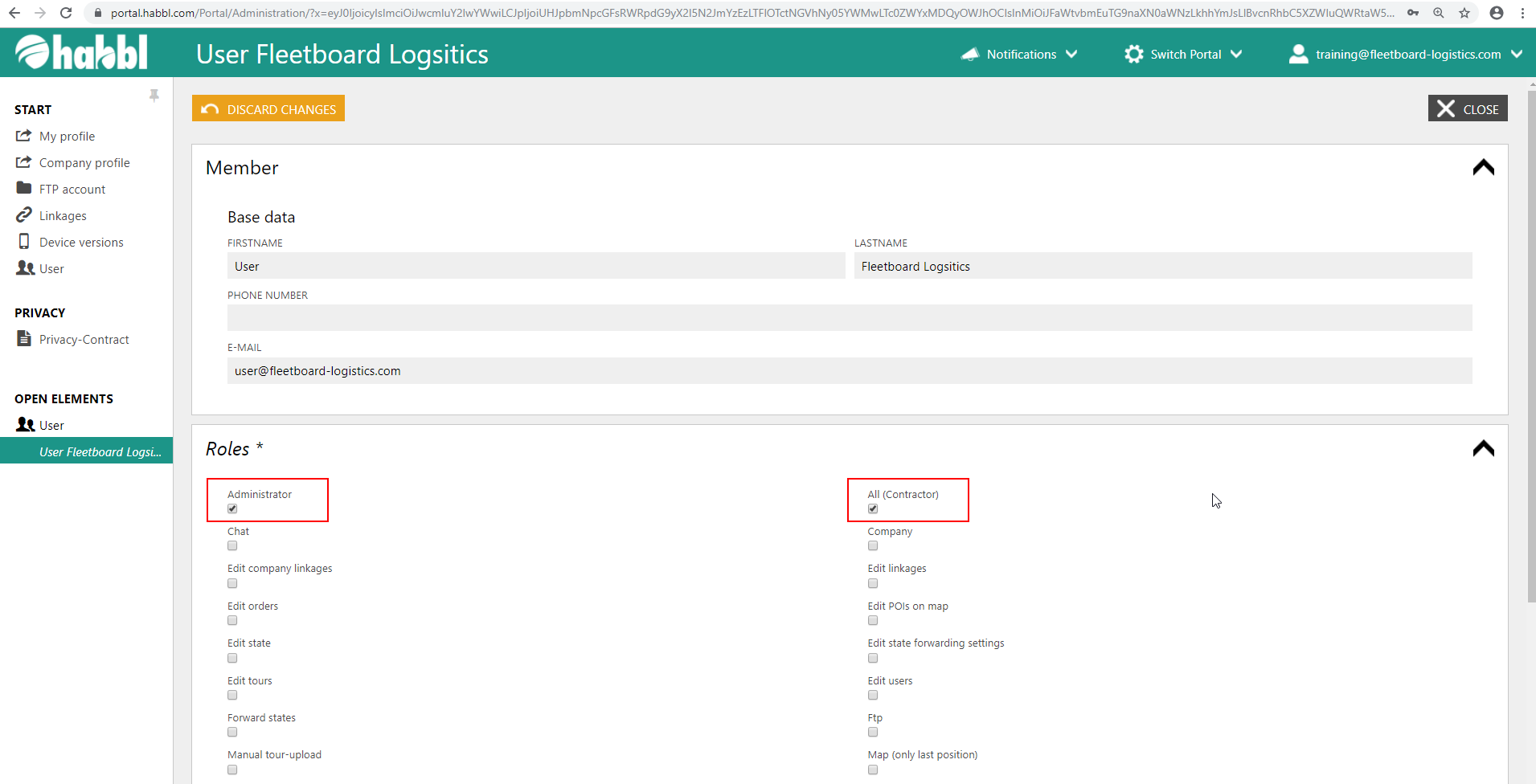
...
| Hinweis | ||
|---|---|---|
| ||
Please consider that no user can change or extend his own roles. If you need your roles to be extended or changed please contact the administrator for habbl in your company or contact the Fleetboard Logistics Team to get proper suppersupport. You can reach our Support Team via the Fleetboard Logistics Service Desk (support.habbl.com) or an email to support@habbl.com. |
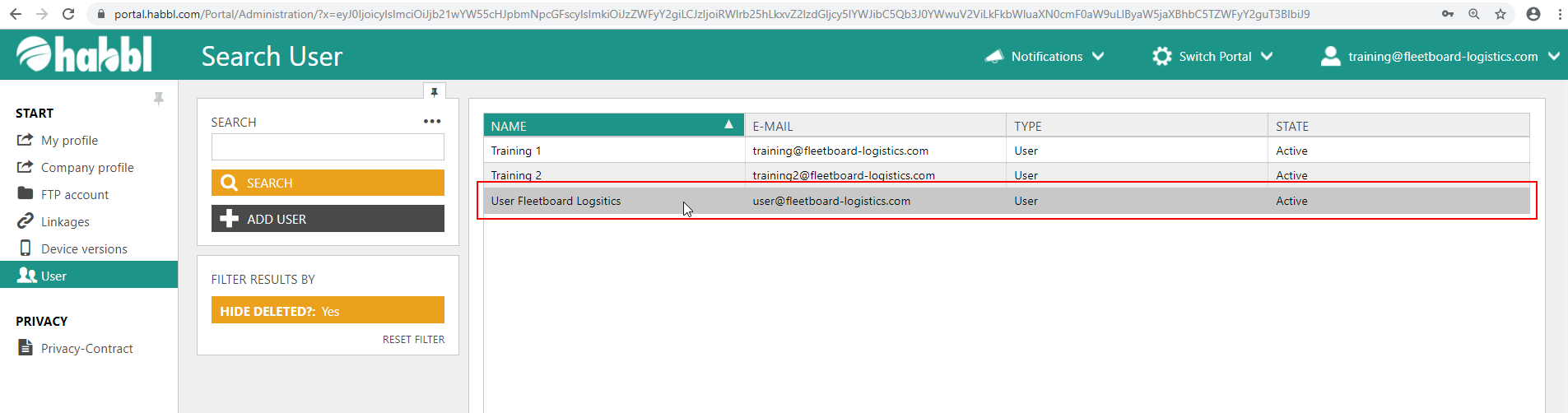
- Select the user whose roles are to be changed
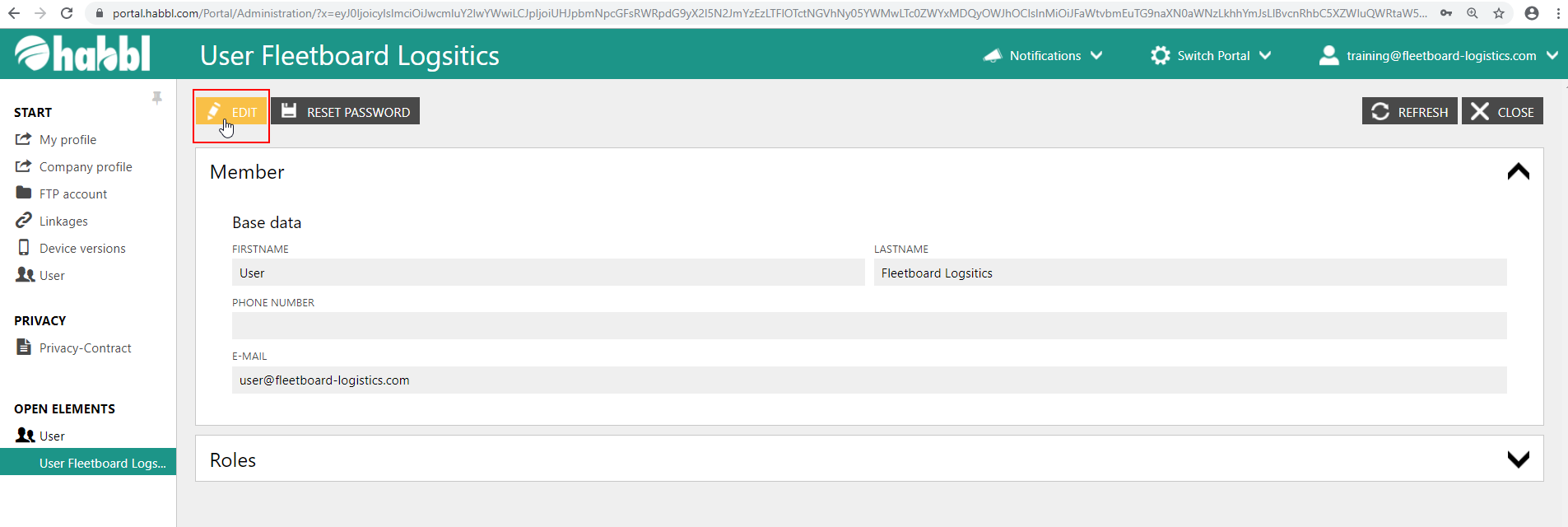
- Click the "EDIT" button in the upper left corner
- In the field of roles, a range of different check boxes with specific roles is available
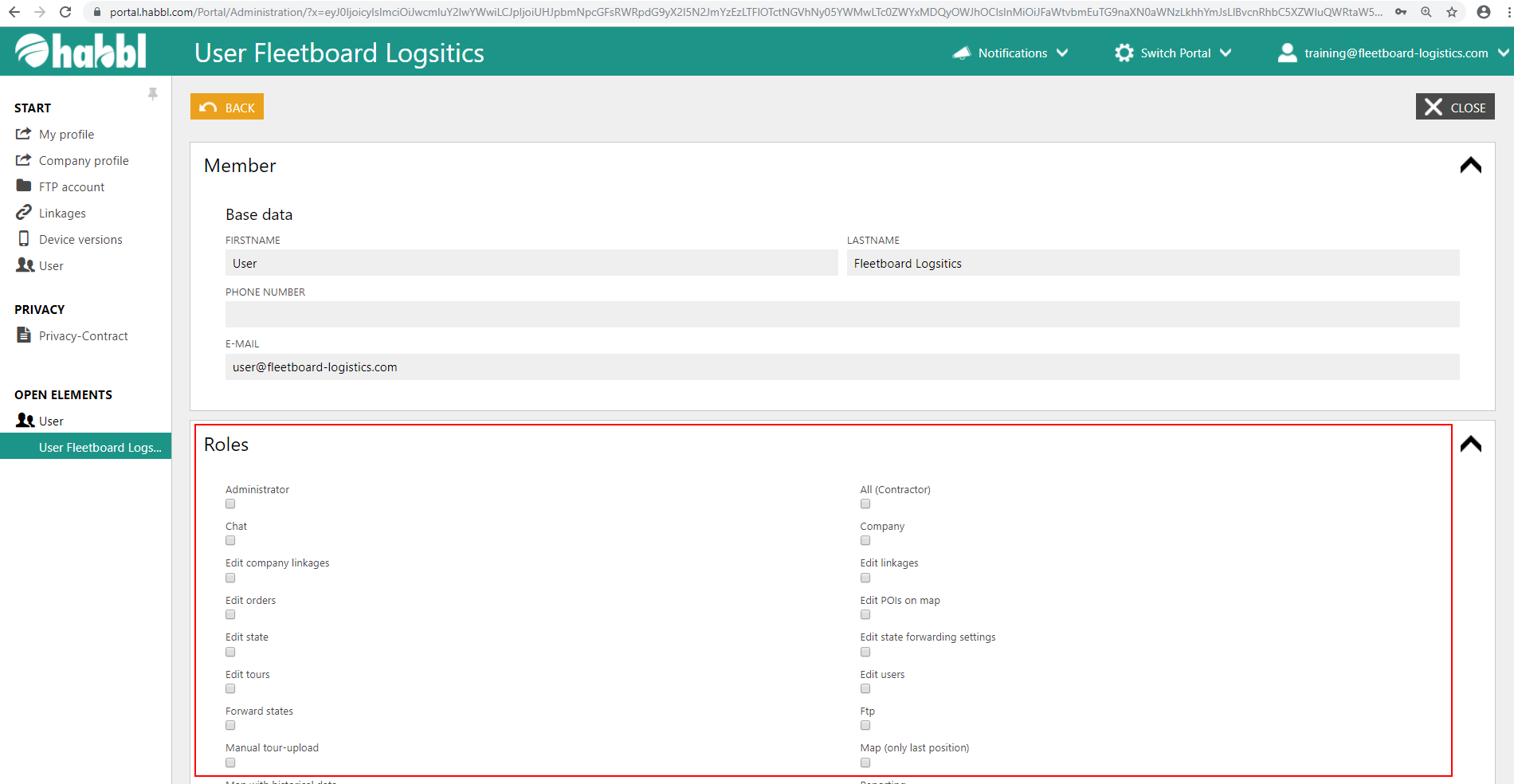
- Select the roles that the user is to receive by checking the boxes